Social Media Proposal Template: What to Put in It to Win the Client
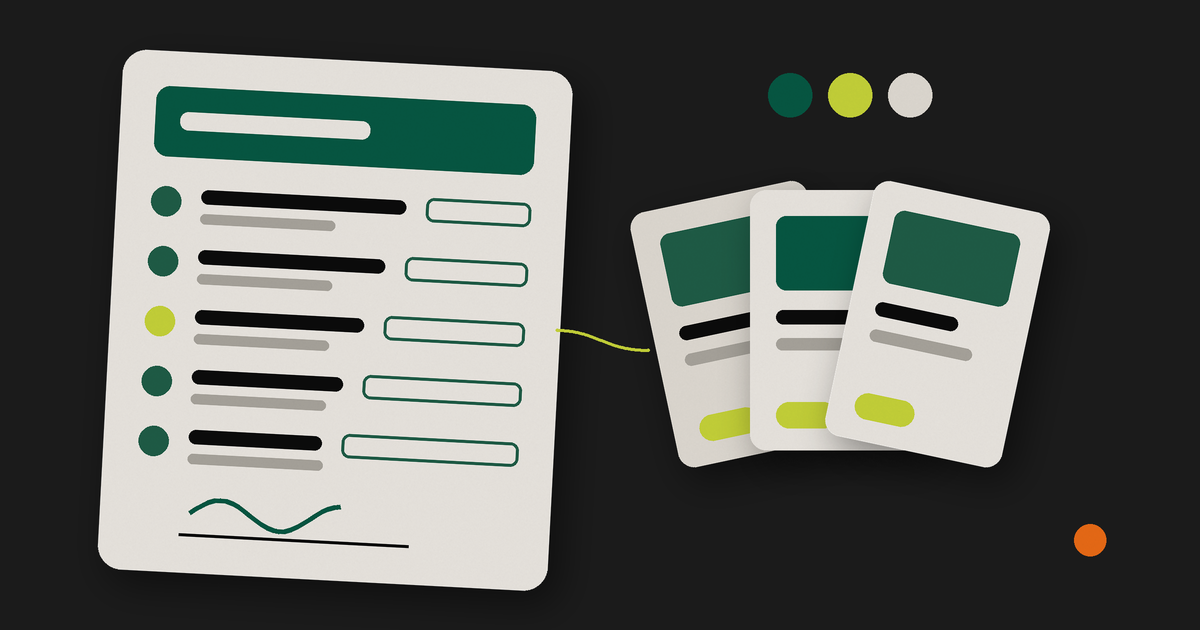
The social media proposal template
Copy this into a document, replace everything in [brackets] and delete the hints. Keep the order: it follows the questions a client asks, in the order they ask them.
1. Cover and context
- Title: Social media proposal for [Client name]
- Prepared by [Agency name] for [Contact name, role], [Date]
- Why we are talking: [One or two sentences on what the client told you they want to change]
2. Diagnosis of your social media today
- Profiles reviewed: [Instagram @handle], [LinkedIn page or profile]
- What works: [Two or three posts or formats that perform, with the numbers you can see]
- What holds the account back: [Posting gaps, mixed visual identity, no call to action, unanswered comments]
- Opportunity: [The one change that would make the biggest difference]
3. Objectives
- Main goal for the next [3 or 6] months: [Leads, bookings, store visits, followers in a target audience]
- How we will know: [The numbers in section 7 that track this goal]
4. Strategy and content pillars
- Audience: [Who we are talking to]
- Pillars: [Pillar 1], [Pillar 2], [Pillar 3], with one example post each
- Voice: [How the brand sounds, and what it never says]
5. Scope and deliverables
- Networks: [Instagram, LinkedIn]
- Per month: [Number] carousels, [Number] single posts, [Number] Reels, [Number] Stories
- Included: [Captions, design, scheduling, comment replies during business hours]
- Not included: [Ad spend, photo shoots, influencer fees]
6. Approval process
- How you review: [A review link for each post, no login needed]
- Deadline to approve: [Number] business days before the publish date
- Rounds of changes: [Number] per post
7. How we measure and report
- Numbers we track: [Views, interactions, profile visits, website clicks, new followers]
- Report: [Monthly], sent by [Day of the month], with what we will change next month
8. Timeline and next steps
- Week 1: [Briefing call and access to accounts]
- Week 2: [First month's calendar sent for approval]
- First post live: [Date]
- To start: [Sign by date]
9. Investment
- Monthly fee: [Amount] for the scope in section 5
- Setup fee, if any: [Amount]
- Payment: [Due date, method]
- Extras: [How you quote work outside the scope]
10. Terms and signature
- Contract length and notice period: [Months, days]
- Who owns the content and the accounts: [Your rule]
- Signatures: [Client], [Agency], [Date]
What makes each section convince
The template gives you the structure. What wins the client is the detail inside each block. The example below follows a fictional agency pitching a fictional client, Lakeside Dental, a three-location dental group in Columbus, Ohio.
Cover and context: repeat their words
Open with the reason the client called, in their words. If the office manager said "our Instagram looks like nobody runs it", write that. A client who sees their own problem on page one keeps reading. Skip the agency history here; it belongs in a short line at the end, if anywhere.
Diagnosis: show you looked
Many proposals skip this section, yet it does the most selling. Spend your time here. Open the client's profiles and describe what you see with real examples. For Lakeside Dental: the last post went up five weeks ago, the three locations use three different logos, and the best post of the year is a hygienist answering one question on camera. That gives you an opportunity in one line: more short answers from the team, under one visual identity.
Be specific and fair. Point to what already works before you list problems. The client built that account, and a diagnosis that only criticizes reads like an attack.
Objectives: one goal, tied to the business
Pick one main goal the client cares about, such as new patient bookings, and say which numbers will show progress. "Grow our presence" is not a goal anyone can check. "More booking clicks from Instagram" is.
Strategy and pillars: show a post, not a theory
Name three or four pillars and give one example post for each. Lakeside Dental might get "Ask the hygienist", "Before your first visit" and "Meet the team". An example lets the client picture their feed, which a list of adjectives never does.
Scope: say what is out, too
List the deliverables with numbers, then list what is not included. Many disputes after the sale come from a scope that said "social media management" and nothing else. If ad spend is separate, write it here.
Approval: show the client it will be easy
Clients fear that hiring an agency means more meetings. Show how approval works in two lines: they get a link for each post, approve or ask for changes, and nothing goes out without their sign-off if they want that rule.
Measurement: promise numbers you can deliver
Name the numbers you will report and how often. Do not promise growth targets you cannot control. Promise the report, the read on what worked, and the change you will make next month.
Timeline: give a first date
A proposal with a date for the first post feels like a plan. One without it feels like a quote. End the section with what the client needs to do to start.
Investment: after the scope, tied to it
Put the price after the scope, so the client reads what they get first. Present one monthly fee for the scope in section 5, plus any setup fee, payment terms and how extras are quoted. Keep the number on its own line, with no discount hidden in a footnote. To set the number itself, see how to price social media management.
Terms: keep them short and get them reviewed
Cover contract length, notice period, who owns the content and the accounts, and when payment is due. This is a summary for the client, not the contract. Have a lawyer review your terms before you use them.
Send a sample in the prospect's brand
A proposal describes what you will do. A sample shows it. Send one carousel made for the prospect, in their colors, fonts and voice, along with the proposal.
In Zynta Flow, the steps are short:
- Create a brand for the prospect from their website. Zynta Flow reads the site and drafts the brand kit: logos, colors, fonts, niche, audience, tone of voice and the products the page names. Check the draft before you use it. See how it works in creating a brand kit from a website.
- Generate one carousel on a topic from your diagnosis. For Lakeside Dental, that could be "5 questions patients ask before their first cleaning", the format that already worked on their account.
- Put it on the calendar and send the review link. Any date works, and the post does not need to be scheduled to publish. The prospect opens the post from the link and comments or approves without creating a Zynta Flow account. More on that in client content approval without an account.
The cost is small and worth stating plainly. Your first brand in the account is free. Each extra brand costs 5 credits once, or 20 when Zynta Flow reads it from a website. An AI carousel of 4 to 6 slides costs 30 credits. Sending it for review costs nothing.
The sample does two jobs. It proves you understood the brand, and it shows the prospect the approval flow they will use every week if they sign.
Common proposal mistakes
- Opening with the agency. The first page should be about the client. Your awards can wait.
- A generic diagnosis. "Your engagement could be higher" fits any account. Name posts, dates and gaps.
- Price before scope. The client anchors on the number and reads the rest looking for reasons to say no.
- Vague scope. "Content creation" with no numbers invites a dispute in month two.
- Too many options. Each extra choice is another reason to postpone the decision.
- No next step. End with what the client signs and by when.
- No follow-up. Send the proposal, then call or message two or three days later to answer questions.
After the yes
A signed proposal starts the work. Two documents come next.
First, the briefing. It collects what the proposal did not need: brand rules, access to accounts, approval contacts, words the client never uses. Use our social media client questionnaire as a starting point.
Second, the contract. The terms in section 10 are a summary; the contract turns them into an agreement both sides sign. Ask a lawyer to review it.
From there, the client joins your daily operation. Our guide to social media management for agencies covers how to run many clients from one calendar, and the Zynta Flow page for agencies shows the product from an agency's side.
Frequently asked questions
What should a social media proposal include?
A social media marketing proposal needs ten parts: a cover with the client's context, a diagnosis of their current profiles, objectives, strategy and pillars, scope and deliverables, the approval process, how you measure and report, timeline and next steps, the investment, and terms with a signature line. The diagnosis and the scope do the most work.
How long should a social media proposal be?
A social media proposal should be short enough to read in one sitting. Each section should fit on a page or less, and the diagnosis can take the most space. If a section does not answer a question the client has, cut it.
How should I present the price in a social media proposal?
Put the investment after the scope, as one monthly fee tied to the listed deliverables. Add setup fees, payment terms and how you quote extras. Keep the number visible, not buried in fine print.
Should I send a sample with the proposal?
Yes, when you can. A carousel made in the prospect's brand shows you understood it, and a review link lets them see the approval flow. In Zynta Flow, an extra brand costs 5 credits once, or 20 when read from a website.
How long does it take to write a social media proposal?
Most of the time goes into the diagnosis, because you need to study the client's profiles. With a fixed template, the other sections become fill-in work. Save each finished proposal so the next one starts from your best version.
Put this into practice
Zynta Flow turns a topic into a finished, on-brand carousel in minutes and schedules it to Instagram and LinkedIn. Try it free for 30 days with 350 credits, no card required.
Start your free 30-day trial