Social Media Management for Agencies: Run Every Client From One Calendar
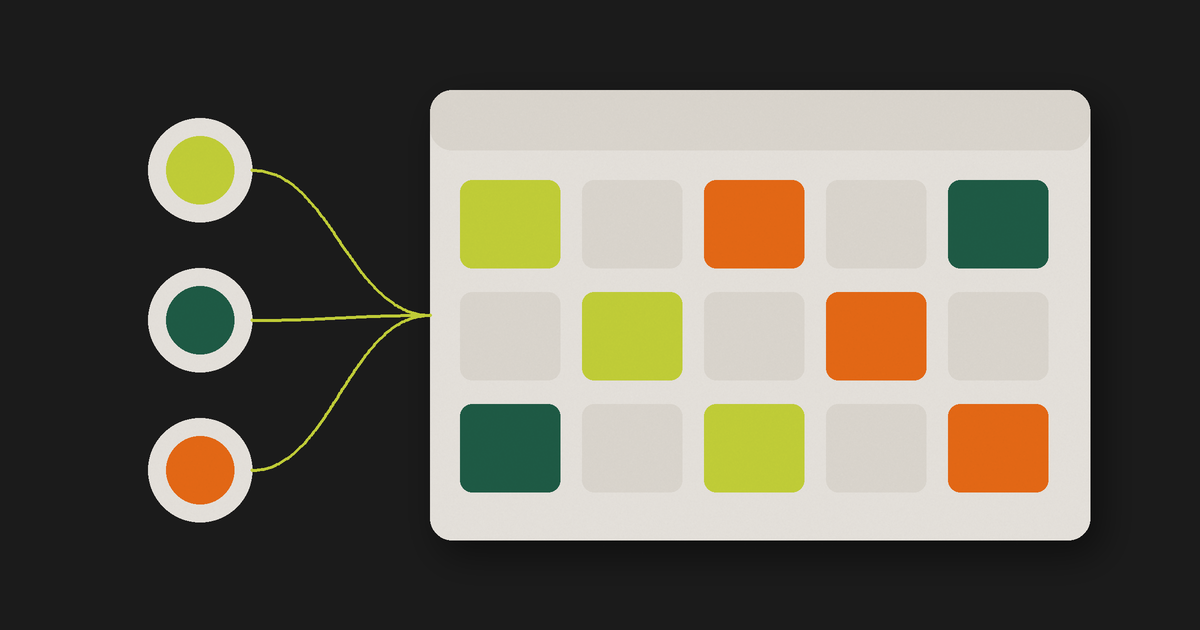
Picture a fictional agency with 12 clients: a dental clinic, two restaurants, a gym, a law firm, a real estate broker and six online stores. Three people run all of it. One spreadsheet holds the plan, another tracks approvals, and each client has a message group where feedback arrives at 11 p.m. Someone keeps eight browser tabs open, logged in to different Instagram accounts, and once a quarter a post lands on the wrong profile.
The team is not the problem. The problem is that the work has no single place to live. Social media management for agencies is less about posting and more about running the same process for many clients without mixing them up.
The operating model in one sentence
Every client gets their own space, every client shows up in one calendar, every post passes through one approval flow, and every client has written rules for brand, voice, approval and automation.
Any set of tools can run it, as long as each piece of information lives in one place and the whole team knows where.
Give each client their own space
Start with a separate workspace per client. In it, keep everything a writer or designer needs to produce a post without asking:
- Brand kit: logos and their variations, colors, fonts.
- Voice: tone, audience, niche, words the client uses and words they never use.
- Profile: the name, handle and photo that appear on the client's account.
- Products and personas: what the client sells and to whom.
- Approval contact: who signs off on posts, and whether posts need sign-off before going out.
- Connected accounts: the client's Instagram and LinkedIn accounts, tied to that brand.
This step prevents the classic mistake. When a designer opens the restaurant's space, they see the restaurant's colors and fonts, and the post they create goes to the accounts tied to the restaurant's brand. Nobody has to remember which tab is which.
Keep the rules in the space, not in someone's head. "The law firm never uses emoji and every post needs the partner's approval" belongs next to the brand kit, where the next person on the account will read it.
Put every client in one calendar
With 12 separate calendars, nobody sees the week. You find out on Thursday that three clients have nothing scheduled for Friday and two have four posts on the same day.
Use one calendar with a view of every client, and filter down to one client when you need to. That one view answers the questions that matter on Monday: who has gaps, who is overloaded, and which posts are still waiting on the client.
The calendar should also hold more than finished posts. Notes, rough ideas, important dates such as a store's anniversary sale, and drafts waiting on review all belong there. When the plan, the ideas and the approvals live on the same screen, the spreadsheet stops being necessary. We cover this in more depth in the content calendar as your operations hub.
Send approval by link
Approval is where many agencies lose the most time. Feedback arrives in messages, emails and calls, and nobody can say which version the client actually approved.
Replace that with one flow. Every post goes to the client with a review link. The client opens it, sees the post, approves it, asks for changes or comments on it, and the answer is recorded on that post. Two details make the flow work:
- No login for the client. The client reviews and approves from a link, with no Zynta Flow account. A client who has to create a password will go back to sending messages.
- A hard stop when needed. For clients who must approve everything, turn on the rule that blocks publishing until the client approves. For clients who trust you with routine posts, leave it off.
That second choice is one of the per-client rules from the first block. The law firm gets the hard stop. The gym, which only wants to see the monthly plan, does not. For a full approval workflow, with deadlines and rounds of changes, read our social media client approval process.
Publish through the official APIs
Scheduling through the official Instagram and LinkedIn APIs means nobody on the team has to log in to the client's account to publish. The post goes out at the scheduled time from the account tied to that client's space.
In Zynta Flow, Instagram takes single images, carousels of 2 to 10 items, Reels and Stories. LinkedIn takes posts on a personal profile and on a company page.
How to manage multiple social media accounts without mixing clients
Mixed-up accounts are one of the most expensive mistakes in agency work, because the client sees it in public. A few habits keep them apart:
- One brand, one set of accounts. Connect each client's accounts to that client's brand kit, and nowhere else. If one person runs two brands (a founder with a personal profile and a company page, say), connect both to the brand they serve.
- Pick the brand first, then write. Start every post from the client's space, not from a blank editor. The logo, colors and destination account come with it.
- Check the profile name on the preview. Before you schedule, read the name and handle on the preview. It takes two seconds.
- Remove access when a client leaves. Disconnect their accounts the same week the contract ends.
The same logic answers how to manage multiple Instagram accounts. Keep one connected account per client brand, schedule from the brand, and use the calendar's view of every brand to spot a post that ended up under the wrong client before it goes out.
Comment to DM, client by client
Many clients want the same thing from Instagram: someone comments a word on a post and gets a link or a file by DM. Set that up per client, on that client's account, with that client's words. The dental clinic sends a booking link when someone comments BOOK; the online store sends a discount code for SALE. Each flow belongs to one account, so a store's code never reaches the clinic's followers. The setup, triggers and limits are in our guide to Instagram comment to DM automation.
What to measure for each client
Measure each client on their own account, and pick a few numbers you report every month. For Instagram accounts, views, interactions, profile visits, website clicks and new followers tell most of the story. For a LinkedIn company page, track follower gains, impressions, clicks and engagement rate.
When you take on a new client, import their recent history so the first report has a baseline. In Zynta Flow, you can import up to 90 days per account for 20 credits. Report the same numbers every month. A client who sees the same five lines each time learns to read them, and the conversation moves to what to post next.
The agency's weekly routine
A model only works if the team runs it every week. Here is a routine for the 12-client agency from the opening:
| Day | What happens |
|---|---|
| Monday | Open the calendar's view of every client. Fill gaps for the next two weeks. Flag posts still waiting on a client. |
| Tuesday and Wednesday | Produce posts from each client's space. Send review links as each client's batch is ready. |
| Thursday | Follow up on pending approvals. Adjust posts with requested changes. |
| Friday | Confirm next week is scheduled and approved. Check comment to DM flows that run on live campaigns. |
| Last week of the month | Pull each client's numbers and send the monthly report. |
The routine stays the same with 5 clients or 20. What changes is how many posts fit into Tuesday and Wednesday.
Where Zynta Flow fits
Zynta Flow was built for this model, with each client set up as a brand.
The pricing suits agencies because the plan does not change as your client list grows. Brands, team members and features are unlimited on every plan. The plans differ only in credits: Starter is US$ 19, Studio US$ 49, Agency US$ 99 and Scale US$ 249 per month. Your first brand is free, and each extra brand costs 5 credits once, or 20 when Zynta Flow reads the brand kit from the client's website.
If you are setting your own fees, see how to price social media management. If you bring your clients to Zynta Flow, the Zynta agency program explains how it works. The Zynta Flow page for agencies shows the product from an agency's side.
Frequently asked questions
What is social media management for agencies?
It is the work of running social media for several clients at once, from planning and production to approval, publishing and reporting. The hard part is keeping clients separate while running one process for all of them. A good setup gives each client their own space and puts every client in one calendar.
How do I manage multiple social media accounts for clients?
Connect each client's accounts to that client's brand, and start every post from the brand, not from a blank editor. Use one calendar with a view of every client to see the whole week. Check the profile name on the preview before you schedule.
How do I manage multiple Instagram accounts without posting to the wrong one?
Keep one connected Instagram account per client brand and schedule from the brand, so the destination comes with it. Review the calendar's view of every brand each Monday to catch a post under the wrong client. When a client leaves, disconnect their account that week.
Does the client need an account to approve posts?
Not in Zynta Flow. The client opens a review link, sees the post and approves it or comments on it, with no Zynta Flow account. You can also block publishing until the client approves.
How many clients can an agency manage in Zynta Flow?
Brands are unlimited on every plan, and so are team members. Plans differ only in credits, from Starter at US$ 19 to Scale at US$ 249 per month. Each brand after the first costs 5 credits once, or 20 when the brand kit is read from a website.
Put this into practice
Zynta Flow turns a topic into a finished, on-brand carousel in minutes and schedules it to Instagram and LinkedIn. Try it free for 30 days with 350 credits, no card required.
Start your free 30-day trial