Zynta and HubSpot integration: campaigns and leads
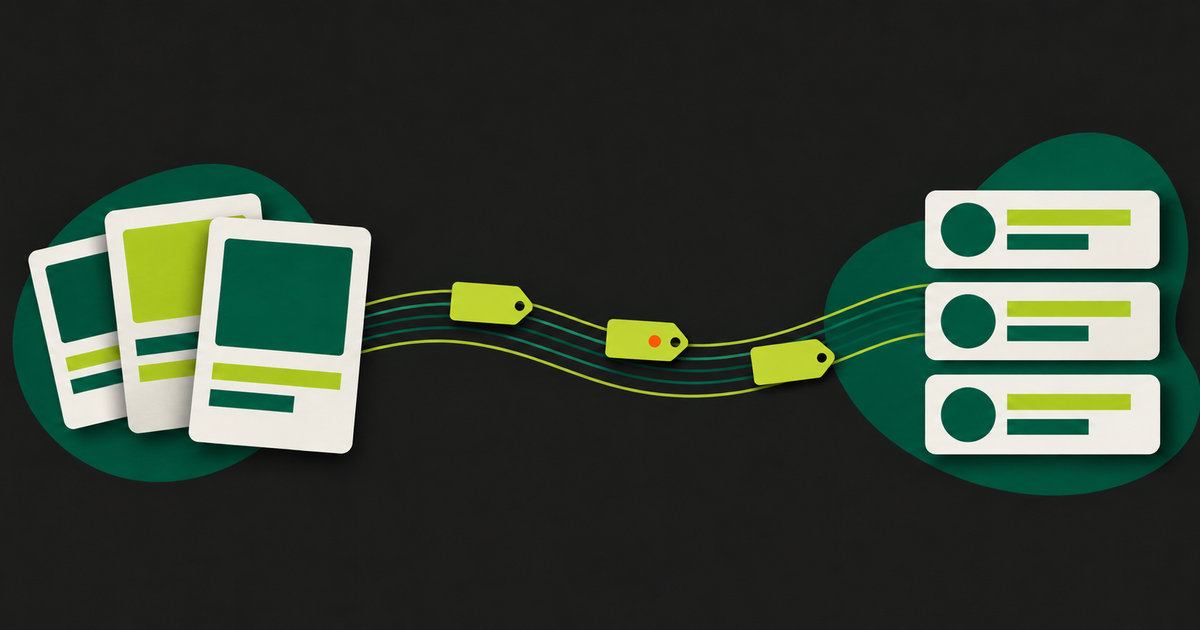
The Zynta and HubSpot integration closes the gap between post and lead. The post goes out with the campaign UTM, so HubSpot attributes visits and contacts to that campaign. And people who ask for material in an Instagram DM become contacts in the CRM. Below I explain how it works and where it stops.
The problem: the post on one side, the lead on the other
Anyone who uses HubSpot knows this. The social team publishes while the marketing team looks at the CRM, so nobody can say for sure how many contacts that Instagram campaign brought in. The UTM gets left off several links. And the lead who asked for the ebook in a DM ends up in a spreadsheet exported from somewhere, if anywhere.
I work with HubSpot every day at EPIC, and I wanted this integration in Zynta. The idea is simple: HubSpot stays the source of truth for marketing, and Zynta feeds it properly.
What the integration does
1. Campaign UTM on your posts
The calendar post editor has a HubSpot campaign (optional) field. You pick a campaign and Zynta saves its UTM. At publishing time, the post's links get utm_source, utm_medium=social and the campaign's utm_campaign. A link that already has those parameters is left alone. Campaigns with no UTM in HubSpot show up disabled.
When you pick the campaign and the post's first comment is empty, Zynta suggests putting the link there. On Instagram, where a link in the caption is not clickable, that helps.
2. Campaign metrics in Insights
In Insights, the HubSpot tab shows, for the chosen campaign, Sessions, Influenced contacts and new contacts by first touch and by last touch. The numbers come from HubSpot's campaigns API. Zynta reads up to 100 campaigns from the portal.
3. Instagram leads in the CRM
In Instagram automations, the Actions step has two HubSpot options:
- Send to HubSpot: creates or finds the contact by email in the brand's portal and adds a note (with your own text, up to 1,000 characters, which accepts the name placeholder). If the contact already exists, Zynta does not overwrite its data. It can also create the properties "Zynta · Instagram" and "Zynta · origem". There is a form submission mode, which sends the lead to a HubSpot form you choose and, in that case, updates the contact's fields.
- Add to HubSpot list: puts the contact sent in the previous Send to HubSpot step on a static list. If you do not pick a list, Zynta creates one named "Zynta · flow name".
The email comes from what the person types in the DM, which Zynta captures automatically. With no email, the step is skipped. A HubSpot failure never interrupts the Instagram conversation. Building those flows is covered in the Instagram automation flow builder.
How to connect, step by step
1. In the menu, open Connections and choose the brand. 2. On the HubSpot card, connect in one of these ways: - Private app token: create a private app in your HubSpot portal, copy the token (it starts with pat-) and paste it in the private app token field. Click Connect. The token needs at least the marketing campaigns read permission or the contacts write permission. For the contact steps in automations, include the contacts, lists and forms permissions you will use. - Connect with HubSpot: you sign in with your HubSpot login and authorize reading your marketing campaigns. This path covers the campaign UTM on posts and the HubSpot tab in Insights. For the contact, list and form steps in automations, use the private app token with those permissions. 3. The card shows connected and the portal number. 4. On the calendar, pick the campaign on your posts. 5. In Insights, open the HubSpot tab. 6. In automations, add the HubSpot steps.
Only the owner or an editor of the brand can connect and disconnect. Tokens are stored encrypted. Disconnecting unlinks the brand from the portal. On a Connect with HubSpot connection, if no other brand uses it, it also uninstalls the app from the portal.
What the integration does not do
- It does not publish through HubSpot Social. Publishing still goes through Zynta, on the networks' APIs.
- It does not import contacts from HubSpot into Zynta. Contacts go one way, from Zynta to HubSpot.
- It does not import HubSpot blog posts or build the brand kit from HubSpot.
- It does not use active lists. Static lists only.
- Contacts only come in through automations, and only when the person gave an email.
- The HubSpot steps in automations follow the automations rule: they need a paid plan or the trial.
For people who already pay for HubSpot, I see most of the value in the automatic UTM. It sounds small, but it is what makes campaign attribution work without depending on the memory of whoever publishes.
Frequently asked questions about the Zynta HubSpot integration
What does the Zynta and HubSpot integration do?
It connects each Zynta brand to a HubSpot portal. Posts get the UTM of the chosen campaign, Insights shows the campaign's sessions and contacts, and Instagram automations can create contacts with a note, submit them to a form or add them to a static HubSpot list.
Does Zynta publish posts through HubSpot Social?
No. Zynta publishes directly through the networks' official APIs. HubSpot is there for attribution and the CRM: the campaign UTM goes on the links, and leads from Instagram DMs become contacts in the portal.
How do I connect HubSpot to Zynta?
In Connections, choose the brand and, on the HubSpot card, paste the token of a private app from your portal and click Connect. The token needs the campaigns read permission or the contacts write permission. Only the owner or an editor of the brand can connect it.
Does Zynta overwrite contacts that already exist in HubSpot?
In the "Send to HubSpot" step, no: it finds the contact by email, adds a note and keeps the existing data. In form submission mode, the contact's fields are updated by the form, like any HubSpot form submission. You choose the mode in the step.
Which HubSpot metrics show up in Zynta?
For the chosen campaign, the HubSpot tab in Insights shows sessions, influenced contacts and new contacts by first touch and by last touch. The data comes from HubSpot's campaigns API, and Zynta reads up to 100 campaigns from the portal so you can switch between them.
Zynta integration or manual UTMs: is it worth it?
If you already build UTMs by hand on every link and never forget, the gain is smaller. If your team forgets, the integration applies the campaign UTM at publishing time and also brings Instagram DM leads into the CRM, which manual UTMs cannot do.
Which HubSpot plan do I need?
Zynta uses HubSpot marketing campaigns, contacts, lists and forms. Whether those features are available depends on your HubSpot subscription, so check in your portal that the campaigns API and lists are enabled before connecting. Zynta does not change anything in your HubSpot plan.
Put this into practice
Want to connect Instagram to your CRM? Start the 7-day trial and connect your brand's HubSpot.
Start the 7-day trial